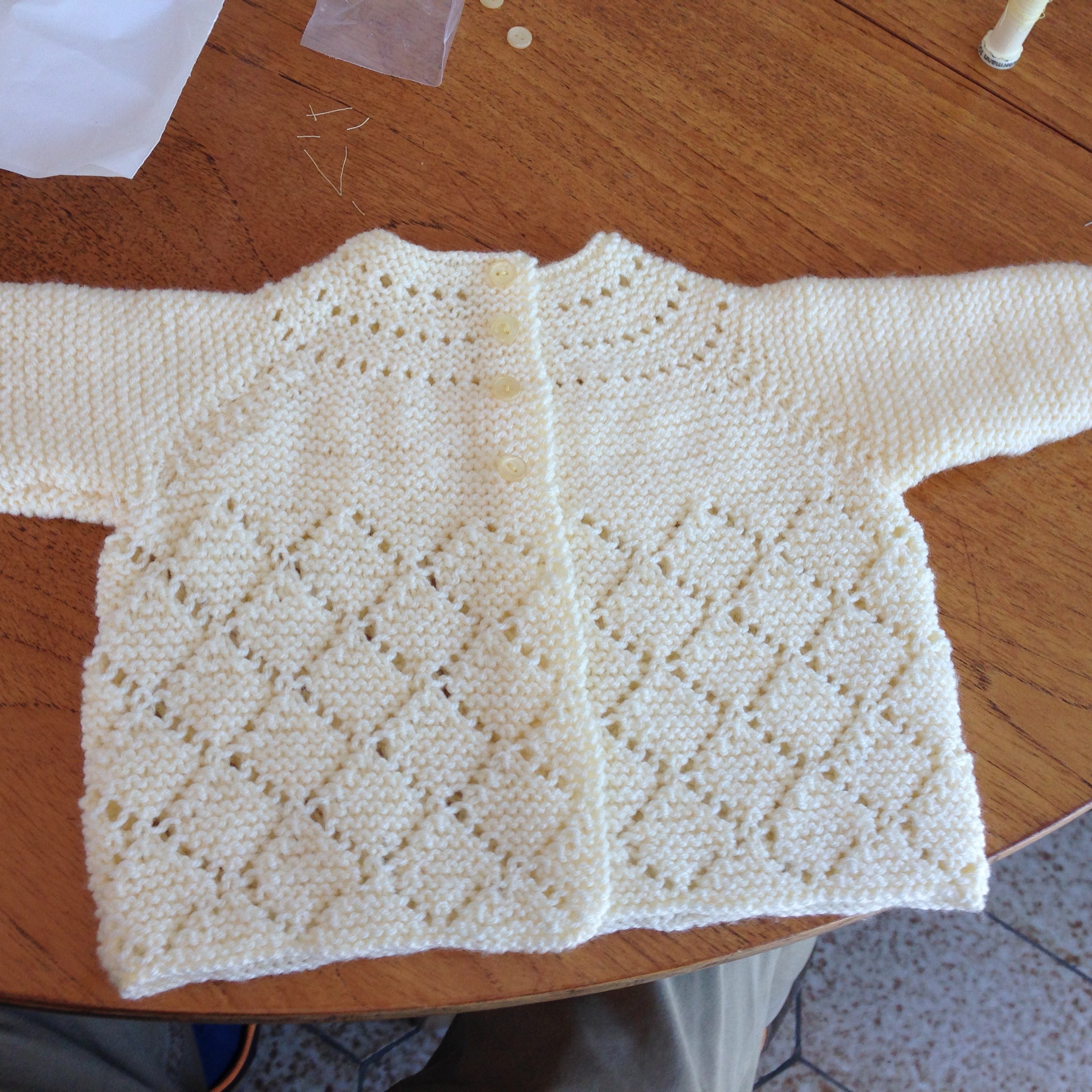
Over the past year I have (re)discovered how much pleasure I can get from the creative arts. Way back when I always derive this pleasure from getting out my camera and taking weird and wonderful pictures but more recently I have branched out into more hands on creativity. This all started a year and a half ago when I decided that I should try to learn to knit. So, Easter weekend 2015 I sat down with my Mum and learnt the basics of casting on, knit and purl stitches and then set to work on my first project (a scarf of course). The scarf itself, like every other first knitting project, is pretty special – dropped stitches, extra stitches, rows of purl instead of knit stitches – but I still love and treasure it! Over the next year and a half I’ve knitted my way through a bunch of projects including a lovely matinée jacket that I made as a christening gift for a friend’s daughter and a variety of hats and scarves.
This year I decided I wanted to branch out a little further and learn the basics of using the new sewing machine we purchased after moving house – finding ready-made curtains to hang on 8ft high windows is tricky and so we recruited help from my mother-in-law to sew extra fabric onto the bottom of the ones we found so they hang long enough, and for that we needed a sewing machine. I spent some time with my mother learning the basics on her machine but really I learn best by doing so I thought it was time to find a small project/class that would help me feel more confident. After thinking about what would make a good first project and the kind of things that I was most likely to want to make going forward I settled on the idea of finding an introductory quilting class. I have always found quilts fascinating, they make great gifts and they are also a great way to personalise your own home.
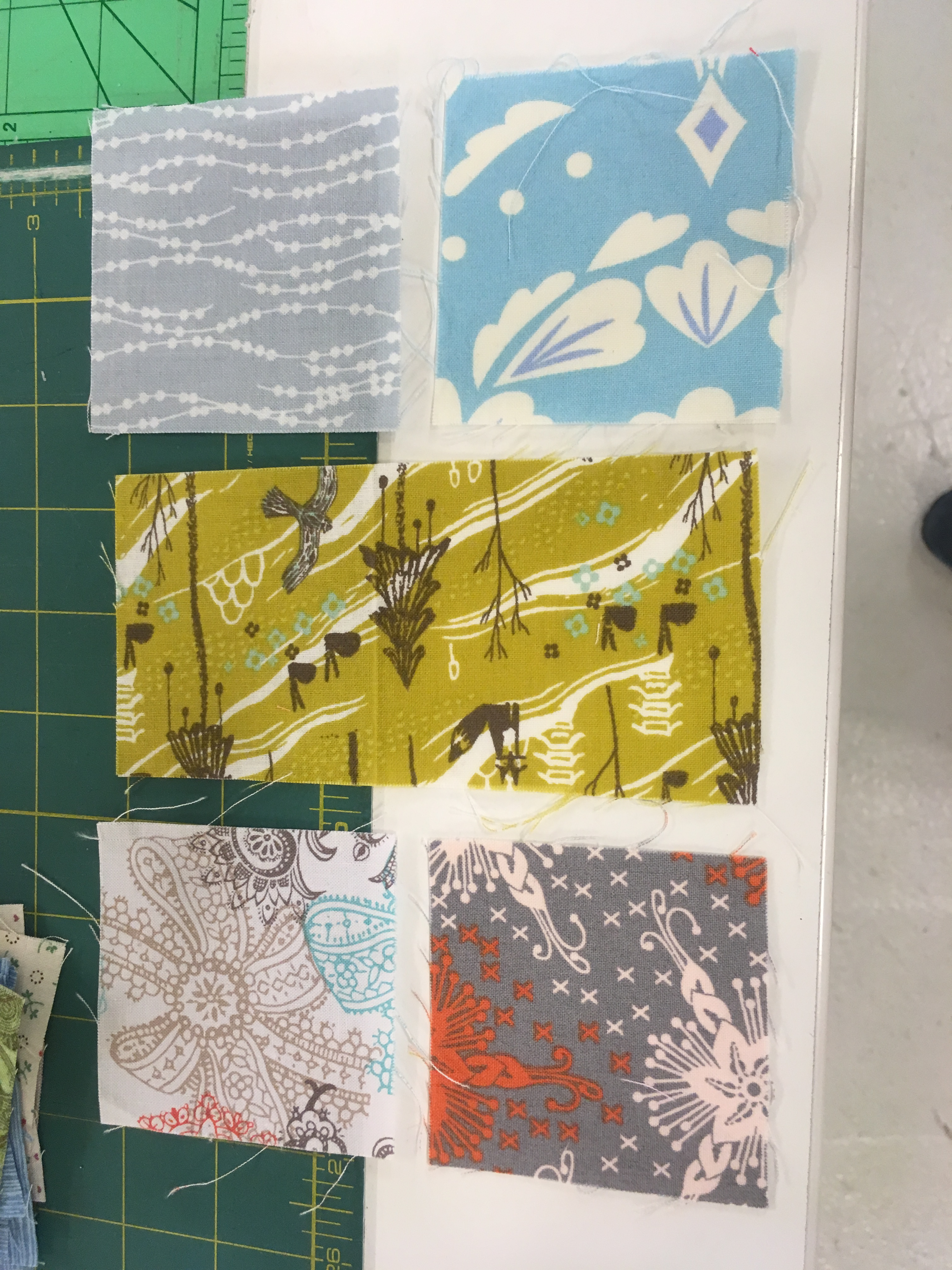
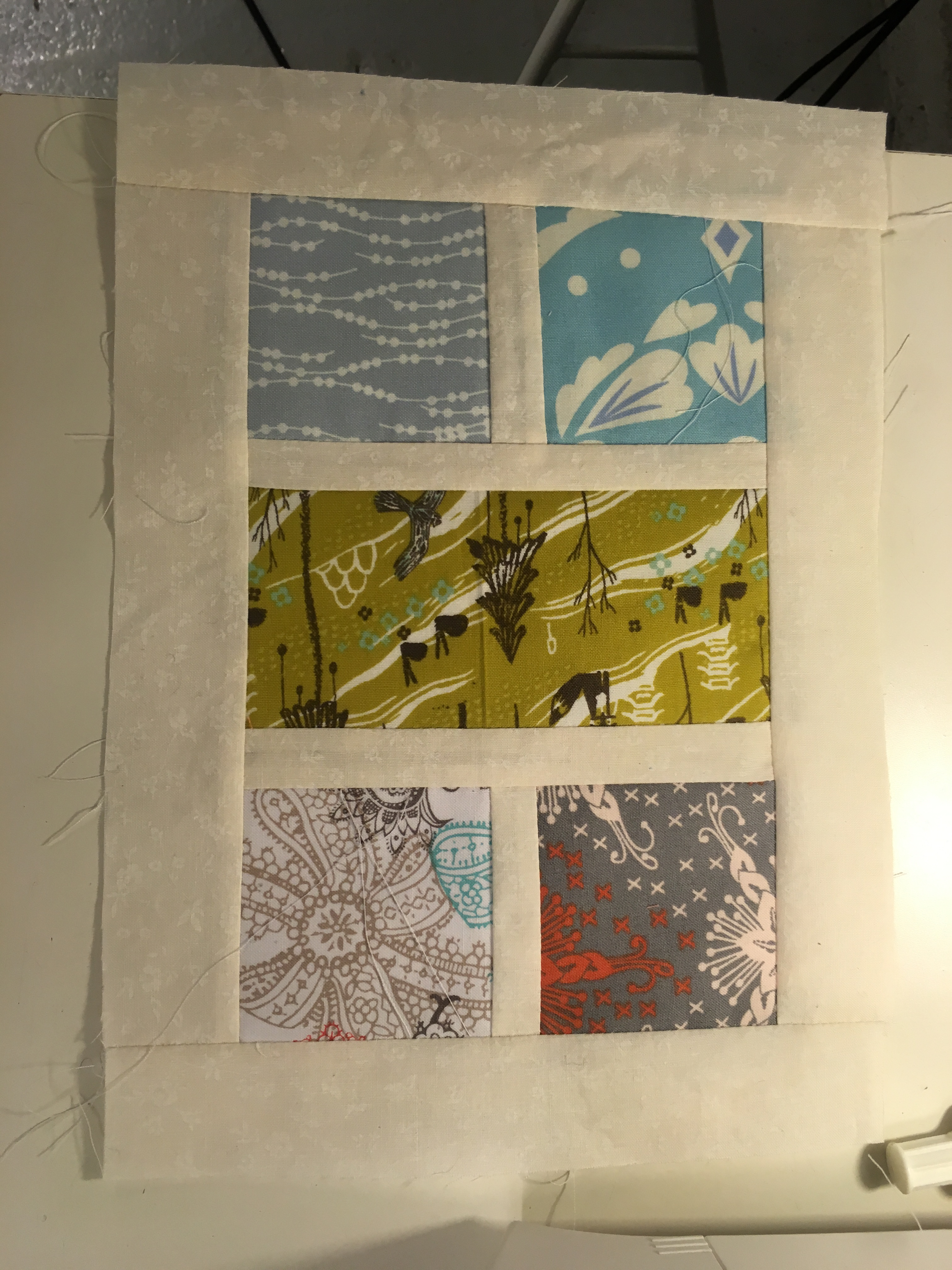
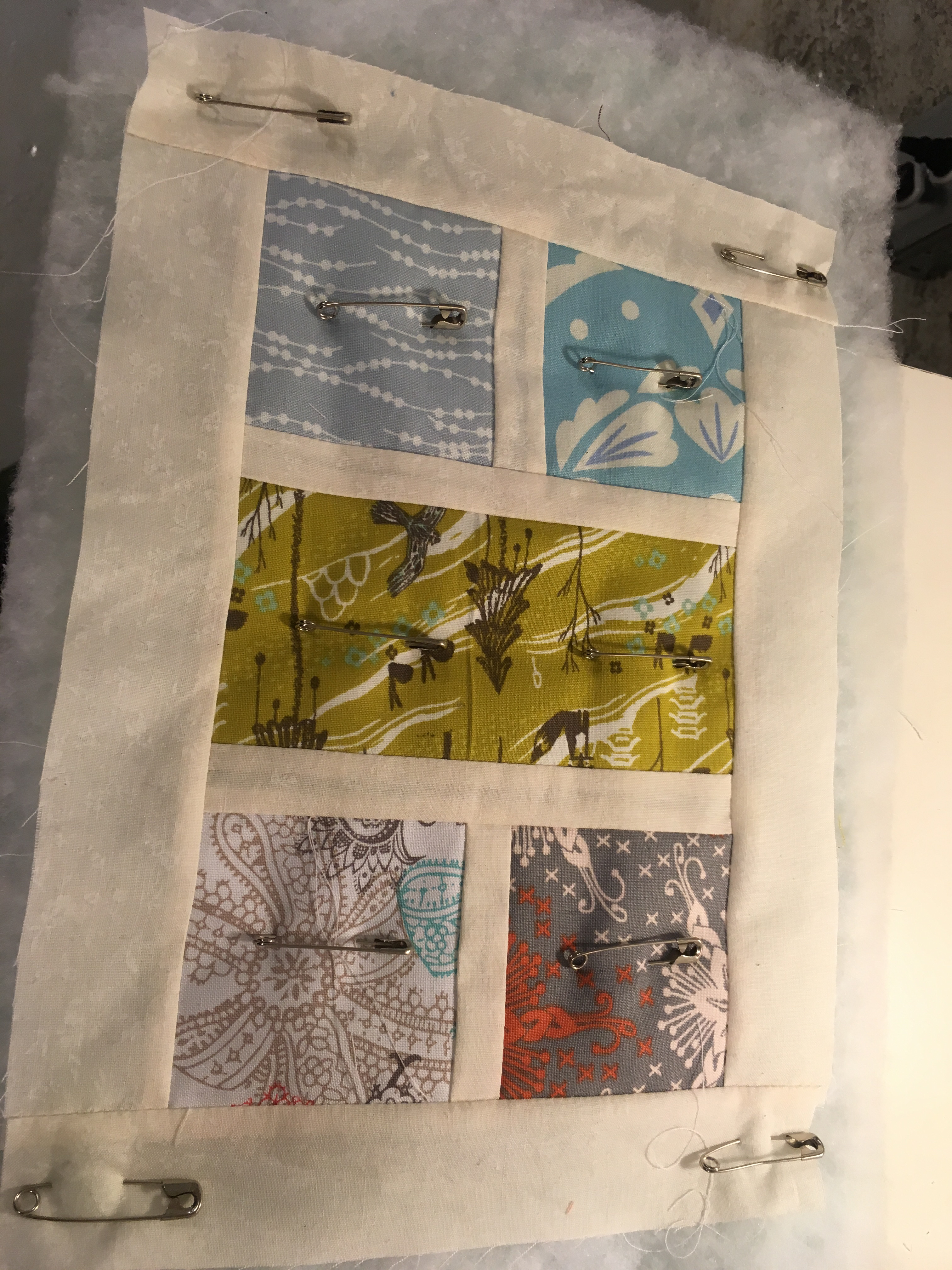
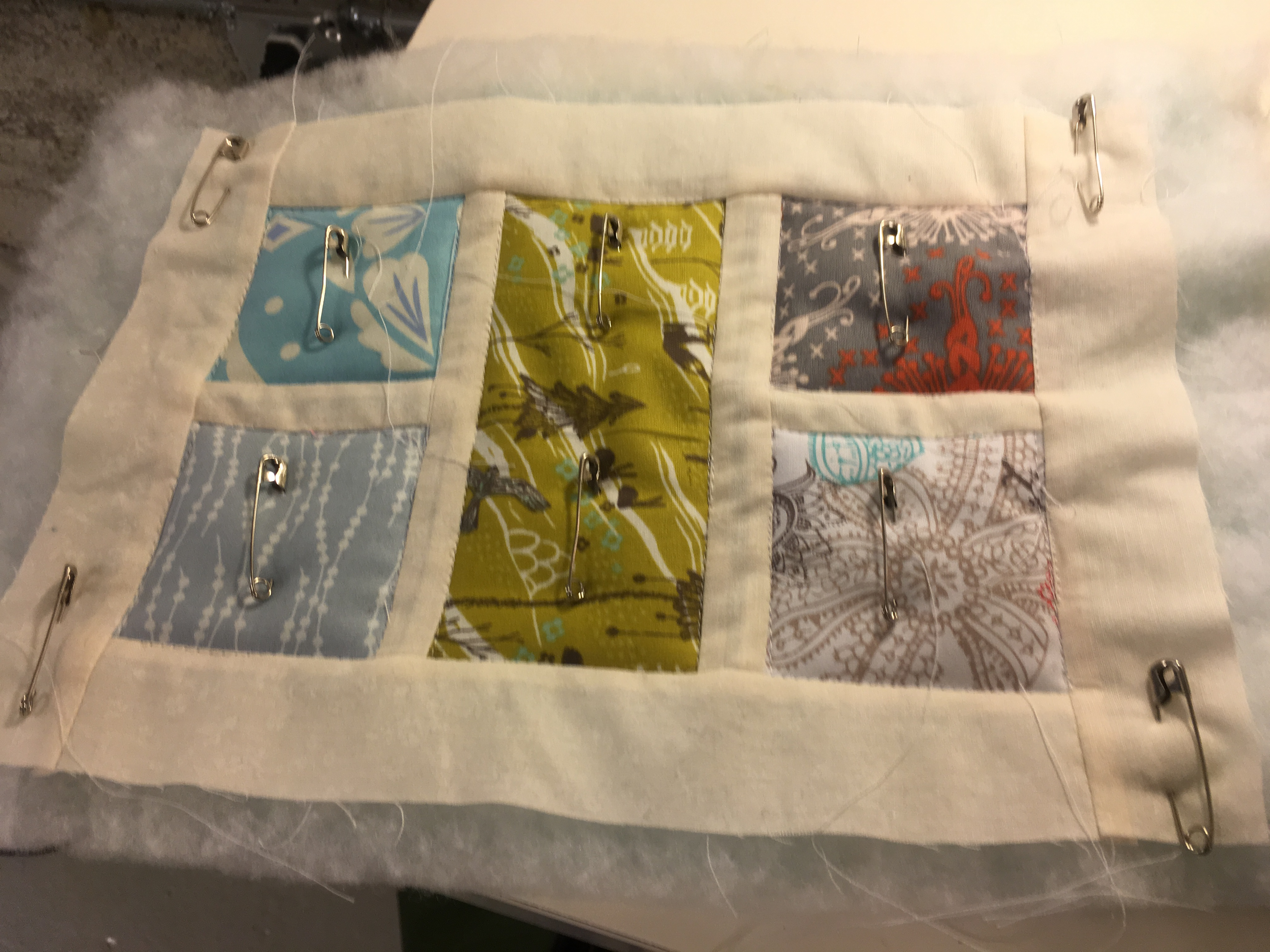
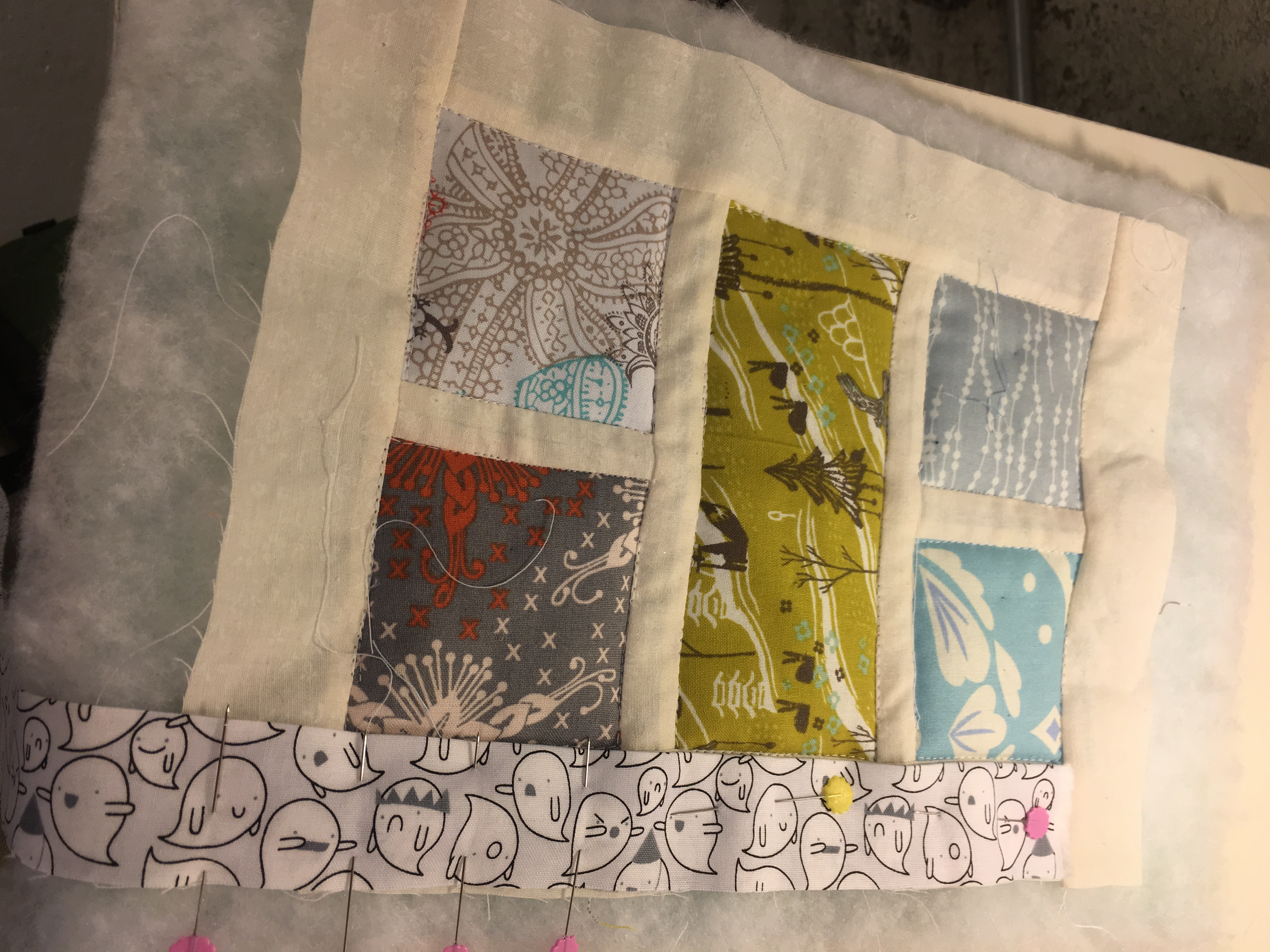
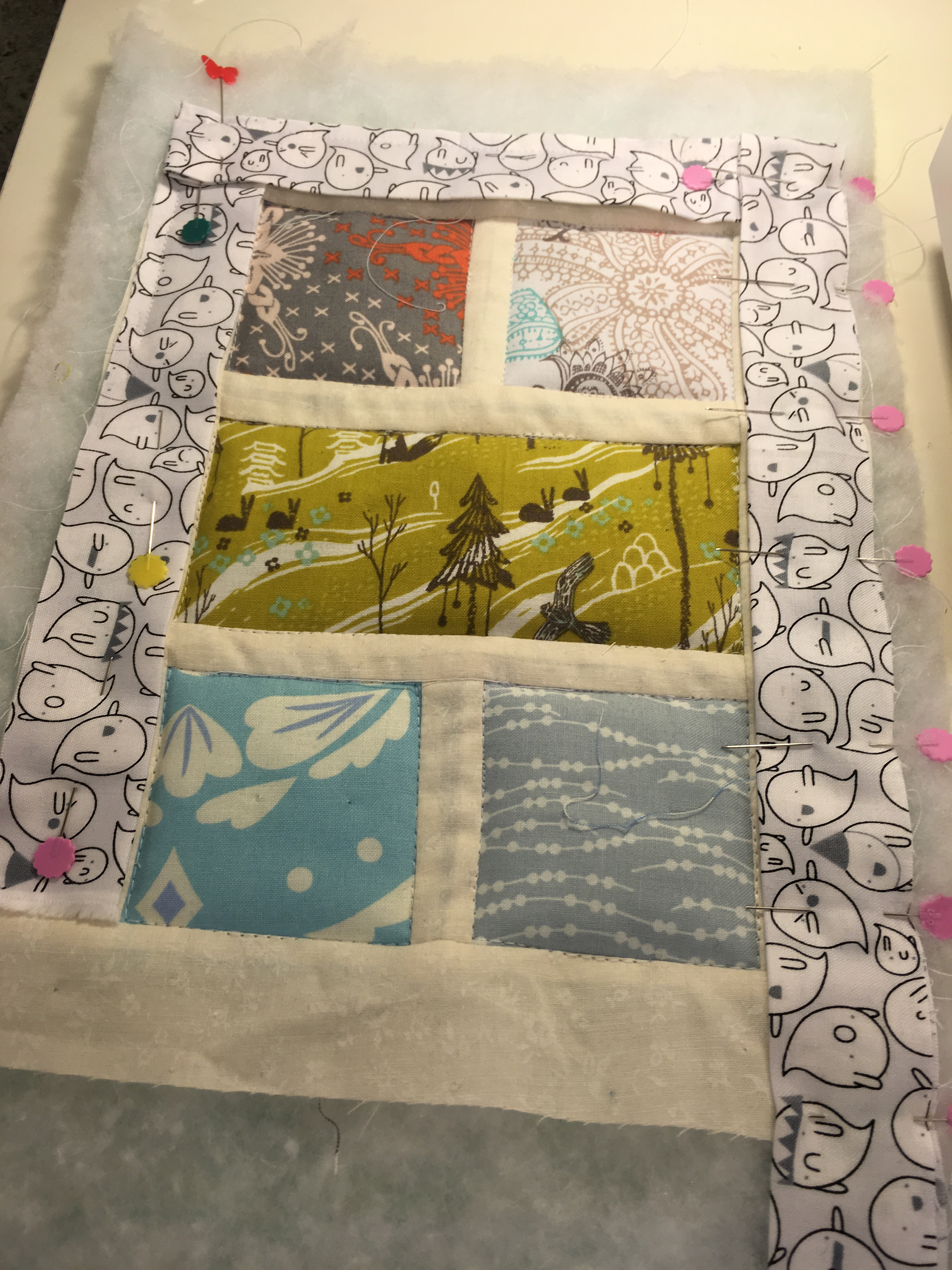
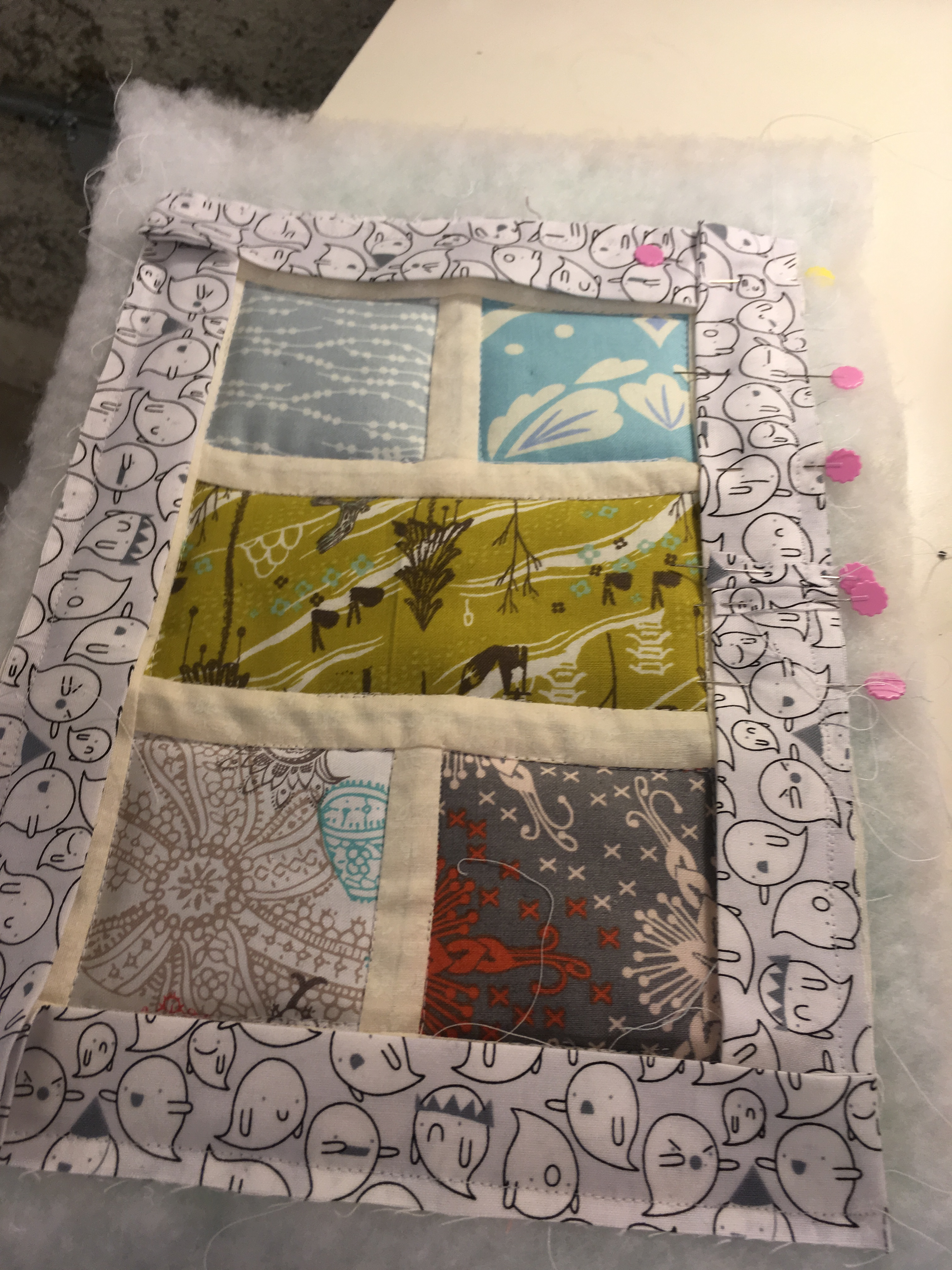
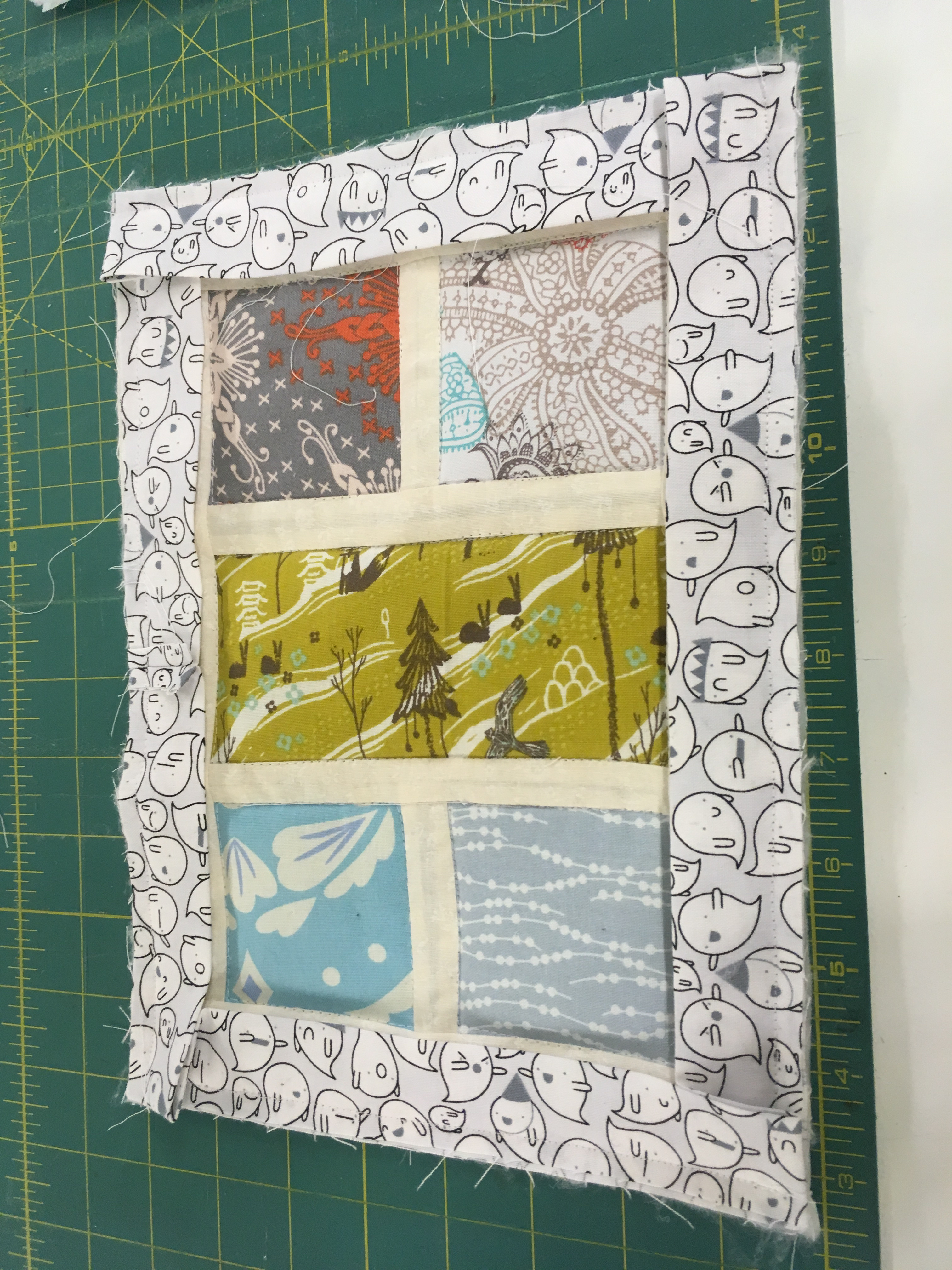
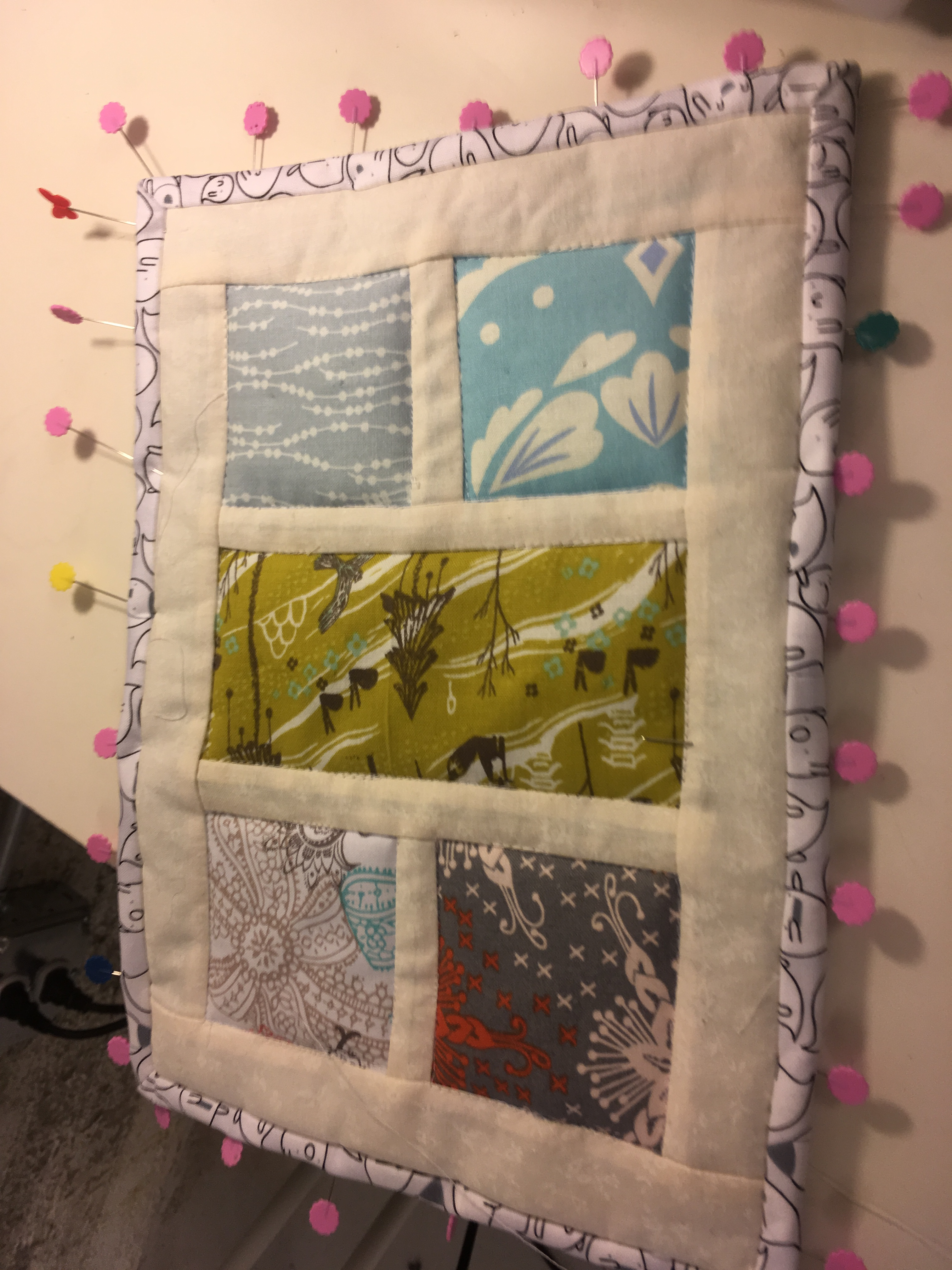
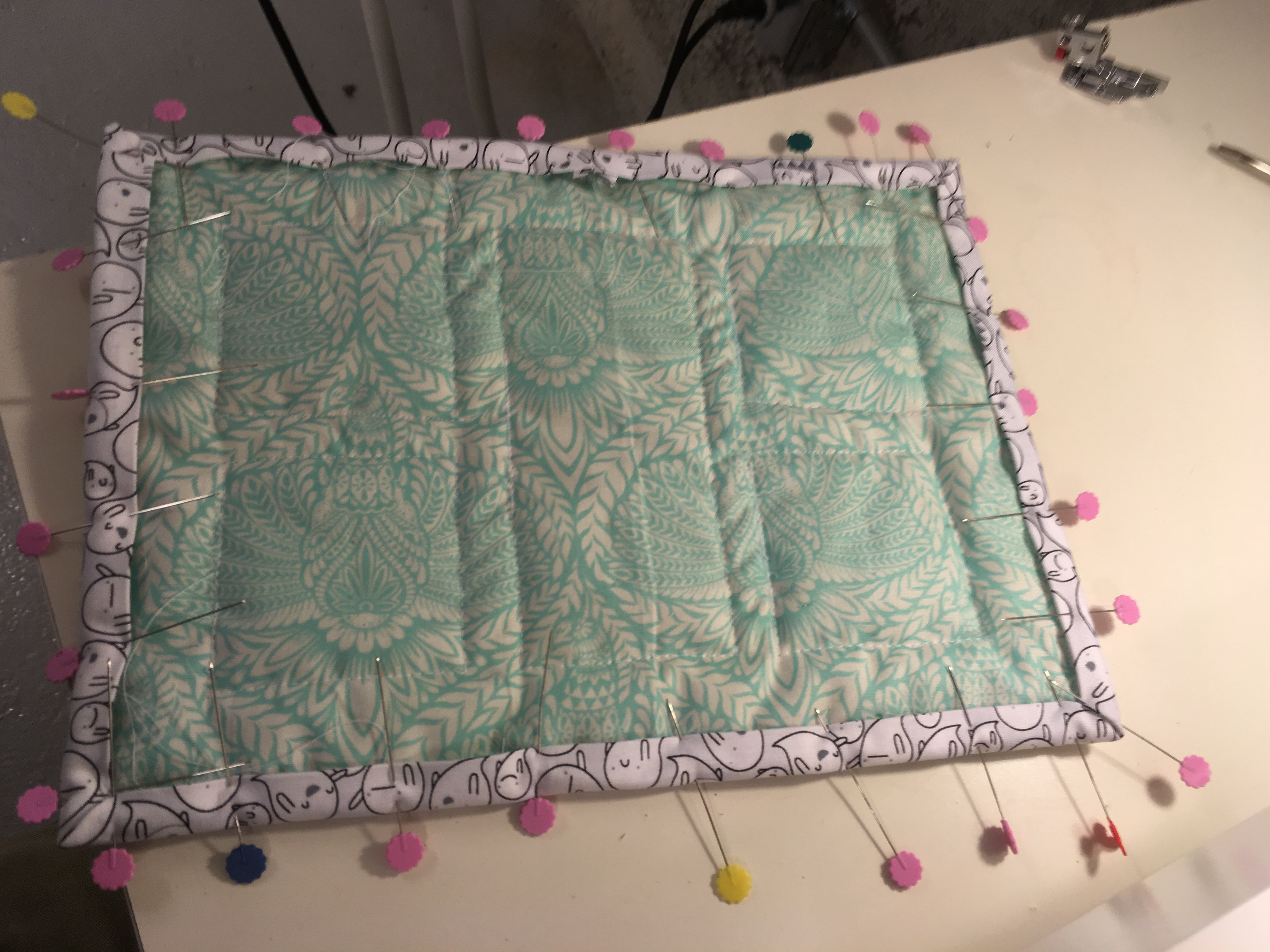
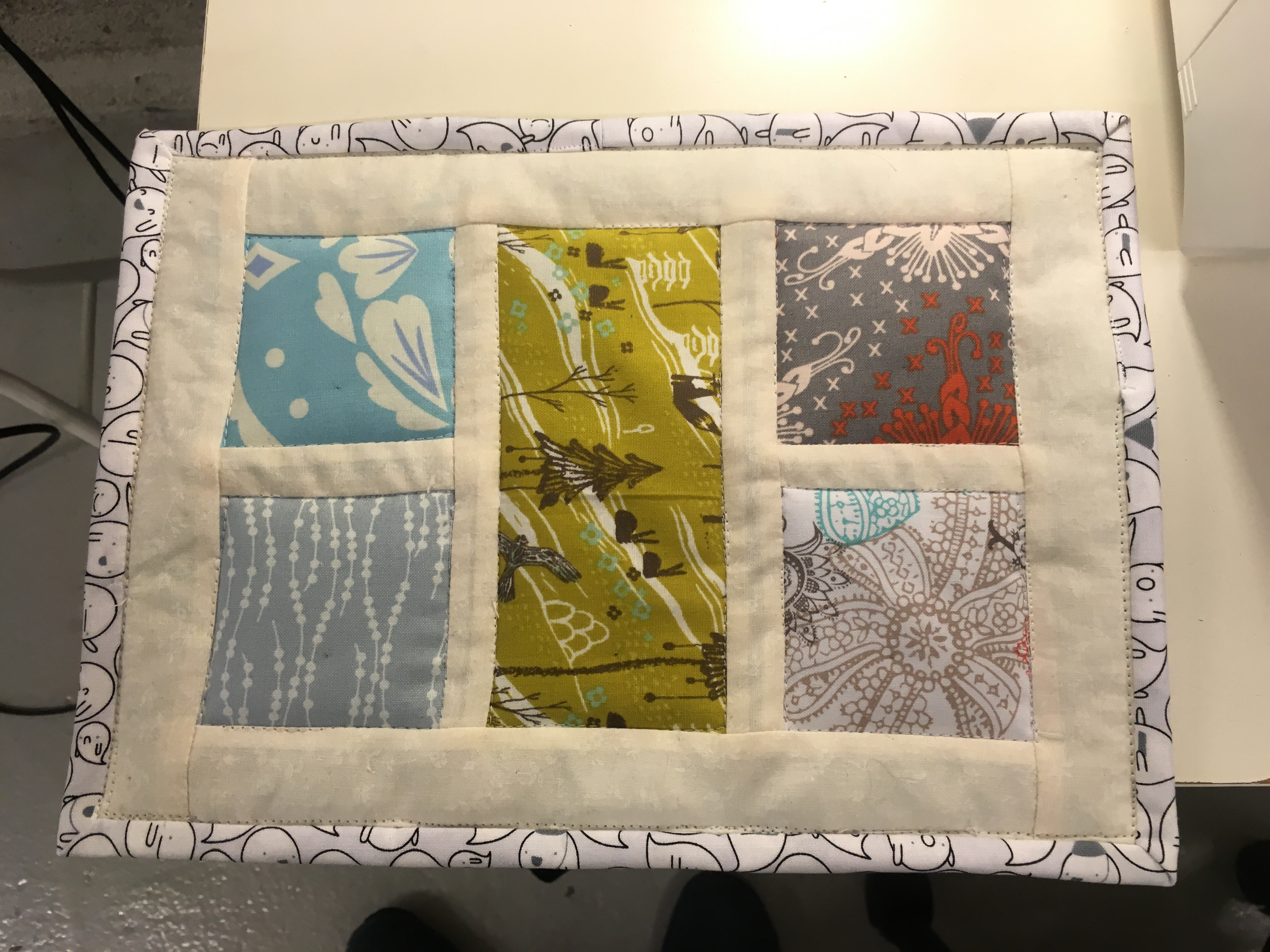
After a lot of searching, it turns out a lot of classes expect you to want to go big or go home, I finally settled on a 3 hour class run by a local fabric store with its own sewing studio and knitting lounge. The class was great fun and very accessible even for someone who has bared touched a sewing machine and only knows the basics. Aurora is a great teacher and had everything all setup ready for us to dive in with material to pick from all laid out on the table. As you can see from the photos below things progressed pretty easily over the 3 hour period and it was great to just be creative and not think about all the day-to-day stresses.
The only question now is…. what next?